Apple Privacy Manifests. The compliance forced the apps to admit what they collect.
Short answer
Apple Privacy Manifests, mandatory since spring 2024, force every iOS app and every SDK to declare what data they collect and why. Compliance is mandatory, the data is machine-readable and publicly inspectable, and any app misrepresenting its practices is doing so in writing, in a structured format that leaves a paper trail.
What changed in 2024 and what it means now
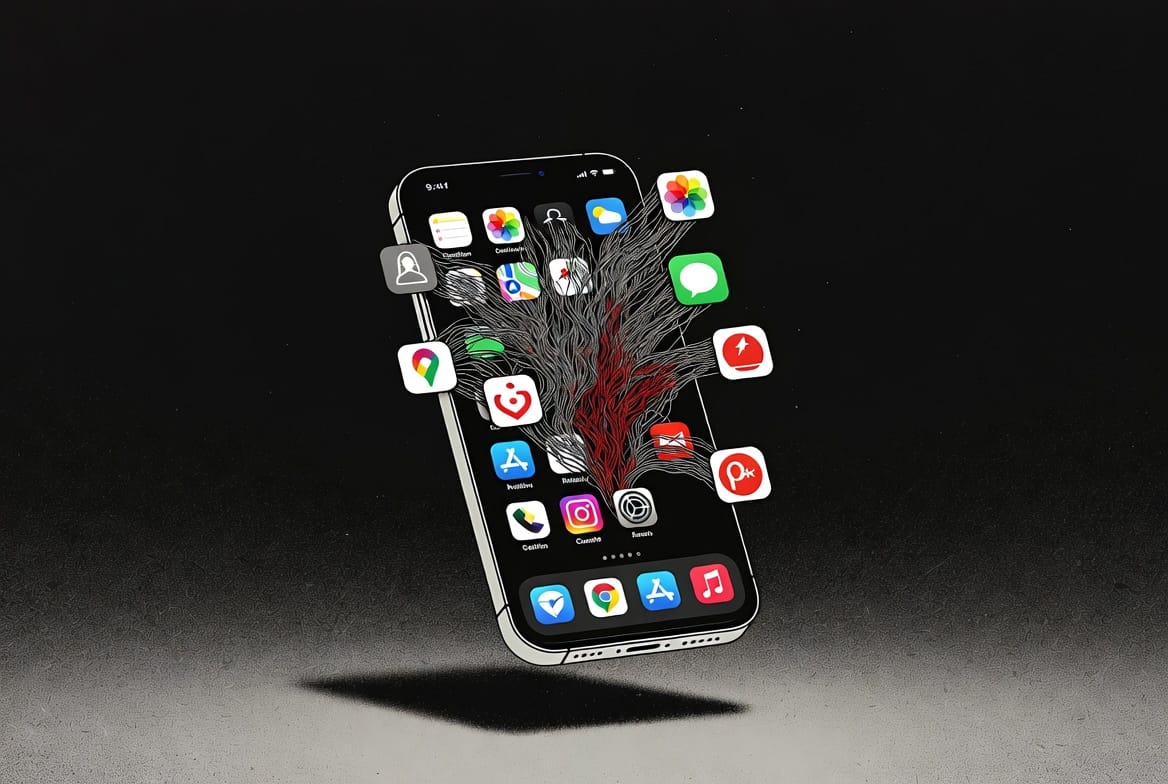
Apple introduced Privacy Manifests as a developer requirement in March 2024. The manifest is a structured PrivacyInfo.xcprivacy file inside an app bundle and inside every third-party SDK that the app links. It declares four things: which data types the code collects, the purposes for which it collects them, which required reason APIs the code calls, and the third-party domains the code contacts.
The mandatory enforcement reached two thresholds. From May 2024, App Store submissions that did not include manifests for declared SDKs were rejected. From November 2024, app updates that did not pass the manifest check were rejected. By 2026, every actively maintained iOS app on the store has manifests for itself and for every SDK it includes. The data is no longer aspirational; it is enforced at the submission gate.
The reason this matters operationally: the App Store’s privacy nutrition labels (introduced in 2020) were self-reported and unverifiable. The manifests are technical artifacts that a security researcher, a competitor, or a regulator can extract from the app bundle and audit against the app’s actual network behavior. The gap between what an app says it does and what it actually does is now legible to anyone with the app and a hex editor.
What the manifest actually contains
Four sections. Each one closes a category of historical lying.
Tracking domains
The manifest lists every domain the app contacts for tracking. Tracking is defined narrowly under Apple’s framework: linking user or device data with data from another company for advertising or measurement. The domain list is exhaustive in principle. The list of tracking domains in popular weather apps, free game apps, and many “privacy-respecting” finance apps is longer than the apps’ marketing implied. One worked example sits in our analysis of what family tracking apps recommended by schools and military FRGs actually share: the manifests showed third-party data flows that the parental marketing carefully avoided naming.
Required reason APIs
Apple identified five categories of API that have been historically abused for fingerprinting (file timestamps, system boot time, disk space, active keyboard, user defaults). Apps using these APIs must declare the reason. The legitimate reasons are enumerated. The reasons that do not match are rejected at submission. The trick of using filesystem timestamps as a device fingerprint is no longer available without admitting the use case.
Data type collection
The manifest declares the data types collected: contact info, health data, financial info, location, sensitive info, contacts, browsing history, and roughly forty other categories. For each type, the app declares whether it is linked to user identity, used for tracking, and the purpose of collection (analytics, app functionality, product personalization, etc.). The structure forces the developer to be explicit about combinations that previously hid in vague privacy policies.
SDK manifests
Every third-party SDK ships its own manifest. The app’s manifest is the union of its own declarations and the declarations of every SDK it includes. This is the part that broke many apps in 2024: developers discovered that the SDKs they had been integrating for years collected data the developers had not realized they were exposing their users to. The forced declaration created a documentation moment that several SDKs did not survive. Some shipped major rewrites. Some quietly removed their data collection. Some were dropped by app developers who could not justify the new visibility.
How to inspect a manifest yourself
The manifest sits inside the app bundle, which is downloadable and inspectable without specialized tools.
Download the IPA file. The cleanest path on macOS is Apple Configurator 2 (free from the Mac App Store), which lets you download the IPA from your iCloud account for any app you have installed. Older versions of iTunes also supported this. Third-party paid tools (iMazing) automate the process.
Unzip the IPA. The IPA is a renamed ZIP archive. Right-click, change extension to .zip, double-click. Inside, the Payload directory contains the .app bundle. Inside the bundle, the PrivacyInfo.xcprivacy file is the app’s manifest. The Frameworks directory contains the SDK bundles, each with its own PrivacyInfo.xcprivacy.
Read the manifest. The file is a property list (binary or XML). A free tool like plistutil on macOS or any property-list viewer on other platforms converts it to readable XML. The contents are self-documenting.
What to look for, and what is concerning
The patterns that indicate the app is more aggressive than its marketing suggests.
Tracking domains in apps that claim to “respect your privacy.” If a meditation app or a journaling app or a budgeting app declares tracking domains, the privacy posture is more limited than the App Store reviews suggest. The presence of any tracking domain in an app you use for sensitive purposes is the signal worth investigating.
SDK count. An app that includes thirty SDKs is structurally more exposed than an app that includes three, regardless of what each individual SDK does. The attack surface scales with the SDK count. Some SDK families (analytics, advertising, crash reporting) tend to cluster, and the presence of one usually predicts the presence of others.
Required reason categories that do not match the app’s purpose. A flashlight app declaring “user defaults” with the reason “to access app preferences” is fine. A flashlight app declaring “system boot time” with the reason “for fraud prevention” is doing something the marketing did not mention. The reason codes Apple defined are narrow enough that misuses are visible.
What this changes in practical terms
Three operational implications.
The privacy nutrition labels on the App Store are now meaningfully verifiable. The manifest is the underlying truth. The label is the developer’s marketing-facing translation of what the manifest declares, and discrepancies between the two now show up as evidence in regulatory and class-action contexts.
The framework around third-party SDKs has shifted. The SDKs that survived the enforcement are now documented; the ones that did not have simply left the ecosystem. For developers and security teams evaluating SDK risk, the manifest is the starting point. The same architectural logic applies to the broader vendor exposure pattern we covered in Plaid and the financial data brokers: forced documentation changes the practical exposure even when it does not change the underlying capability.
The manifests do not exist on Android. Android’s permission model is older and uses a different architecture. The closest equivalent (the Play Store data safety section) is still self-reported and unverified. For users comparing iOS and Android privacy posture in 2026, the manifest enforcement is one of the structural reasons iOS is the cleaner choice for sensitive use cases. The framework for deciding whether the difference matters in your specific situation is the same one we walk through in how to build a threat model in 20 minutes.
Frequently asked questions
Are the manifests audited or self-declared?
Both. The manifest is self-declared. App Review checks the manifest exists and is structurally valid. Apple does not, in the general case, audit the declarations against actual app behavior at submission. Independent researchers do, however, and discrepancies have produced consequences (App Store removal, public reporting, regulatory inquiries). The combination of self-declaration plus public verifiability is what creates the operational pressure.
Can an app collect data not declared in its manifest?
Technically yes. The manifest declares what the app says it collects. The actual network behavior of the app might exceed the declaration. Detection of the discrepancy requires network analysis (tools like Little Snitch, mitmproxy, or full PCAP capture) and is feasible for researchers but not for typical users. The deterrent is the visibility, not the technical enforcement.
Does this affect TestFlight and enterprise builds?
TestFlight builds are subject to the same manifest requirements as App Store builds. Enterprise distribution (Developer Enterprise Program builds for internal company use) has narrower public exposure but the same manifest expectation under Apple’s policy. The realistic enforcement on enterprise builds is lighter because they do not pass through App Review. The manifest is still required as a matter of Apple’s contractual terms.
Should I uninstall apps with concerning manifests?
Depends on what you use the app for and what alternatives exist. The manifest is one input into the decision, not the whole decision. An app with several tracking domains that you use for entertainment is a different calculation than an app with the same posture that you use for sensitive document storage. The framework is to read the manifest, decide whether the disclosed data flow matches the use case, and act on the mismatch when it exists.
There’s no perfect setup. Anyone selling you perfect is selling fear. The goal is simple: make yourself a harder target than the person next to you.